We found 21 results matching your criteria.
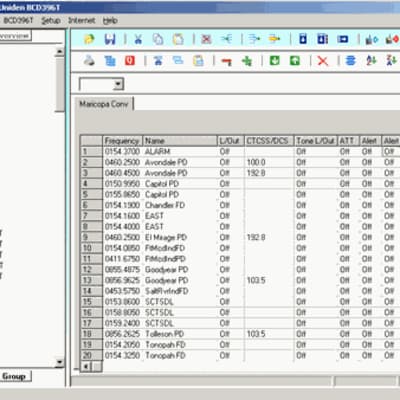
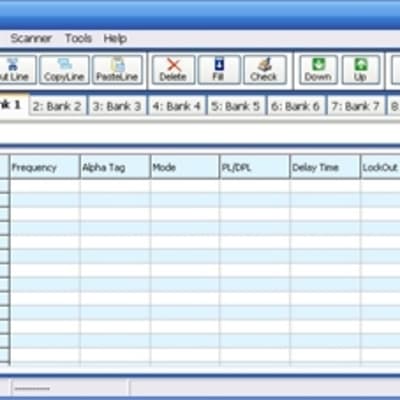
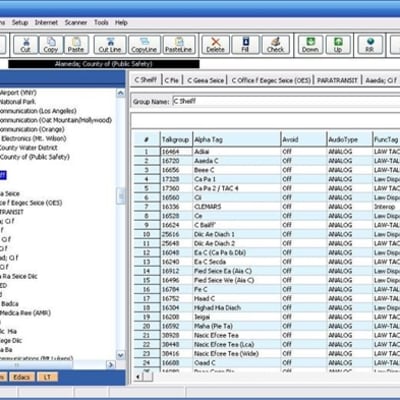
Program your Uniden Bearcat scanner quickly and efficiently with software designed for many of the most popular Uniden scanner models. Whether you're managing frequencies, channels, talkgroups, or trunked radio systems, programming software makes setup and updates much faster than manual keypad entry. We offer software solutions from trusted developers such as BuTel, helping scanner enthusiasts get the most from their Uniden Bearcat radios.
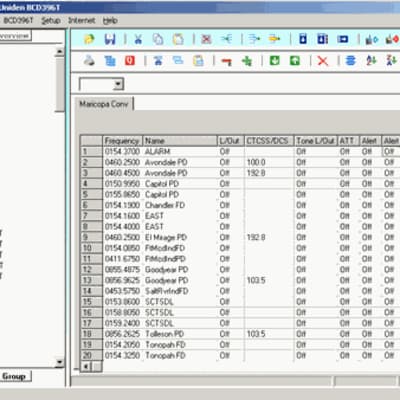
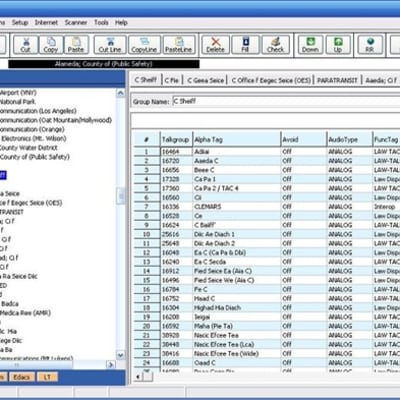
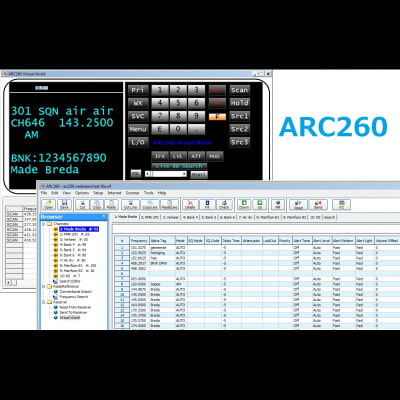
Simplify Uniden Scanner Programming: Modern scanners can store thousands of channels and complex trunked radio systems. Programming software allows you to organize, edit, save, and transfer scanner data directly from your computer, making it easier to keep your scanner current and customized for your area.
Many software packages include features such as frequency management, talkgroup organization, memory backups, data import tools, and scanner profile storage. Whether you're monitoring public safety, aviation, railroads, amateur radio, or local communications, programming software can save time and reduce setup errors.
Frequently Asked Questions
Q: Which software is compatible with my Uniden Bearcat scanner?
A: Software compatibility depends on the exact scanner model. Each software package lists the supported Uniden Bearcat scanners. Verify your scanner's model number before purchasing.
Q: Do I need a programming cable to use scanner software?
A: Most Uniden scanners require a compatible USB or programming cable to transfer data between your computer and the scanner. Some newer models include USB connectivity, while older scanners may require a separate programming cable.
Q: Why should I use programming software instead of entering channels manually?
A: Programming software makes it much easier to manage large channel lists, trunked systems, and scanner settings. It allows you to make changes on your computer, save backups, and quickly update your scanner without manually entering information through the keypad.