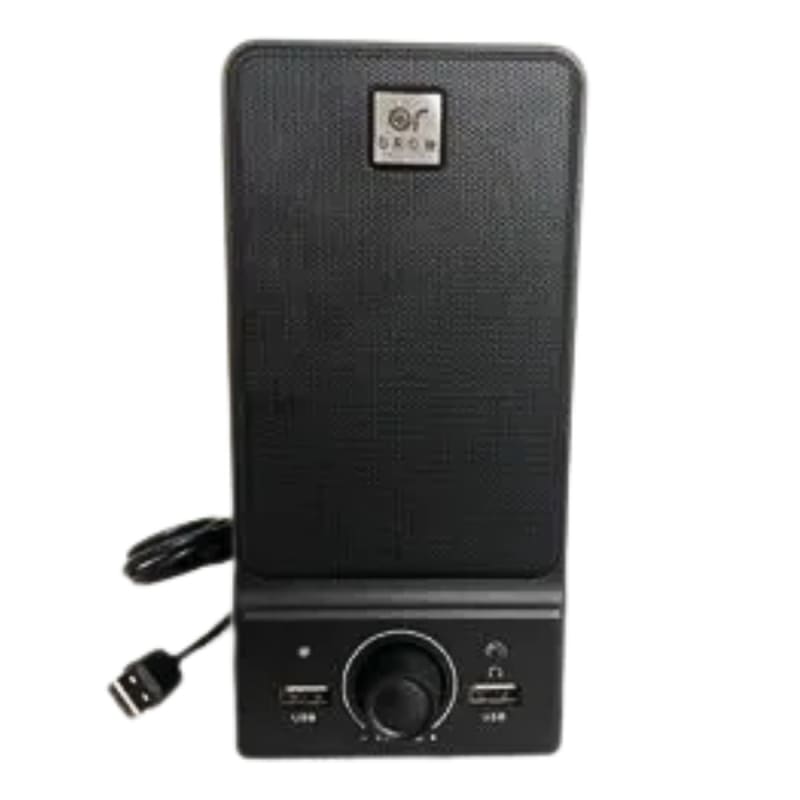
When you're monitoring with more than one Rangecast browser or other online stream with more than one speaker per feed, and you want your eye to turn to the speaker from which the audio is being presented, with the Alert Speaker you can quickly spot which speaker and which agency or group of channels is currently active.
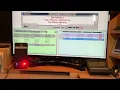
You can also label the speaker if you wish to further help you identify which agency or group of channels are coming from a particular speaker. See the attached video for an example of how it works.
The Alert Speaker uses a USB connection to your PC. No separate power cord and wall plug is needed for this product.
With Rangecast, for example, you can use different browsers (Chrome, Firefox, Opera, Edge for example) and assign audio outputs to multiple Alert Speakers so there's no overlap of radio traffic through a single speaker. With speakers arrayed on a desk from the left to right side you can follow the action from multiple browsers or feeds at the same time.